AI in HODOSFIT
AI that saves you time on every client
It fills in exercises, summarises check-ins and creates recipes with macros, inside the app, so you can spend your time on what matters: your clients.
No credit card required.
Exercises in a second
Type the name and the exercise sheet is filled in.
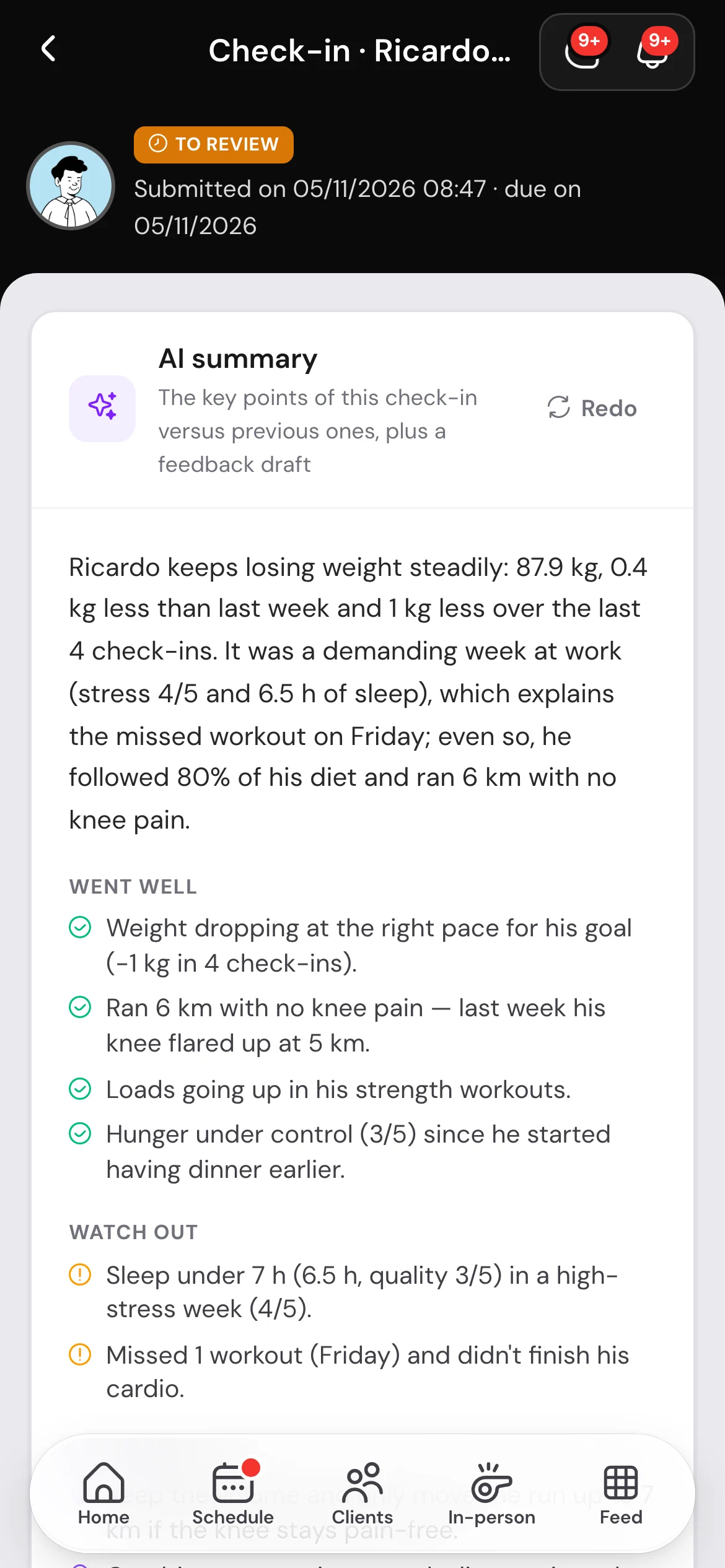
Check-ins summarised
The week’s essentials and a draft of your reply.
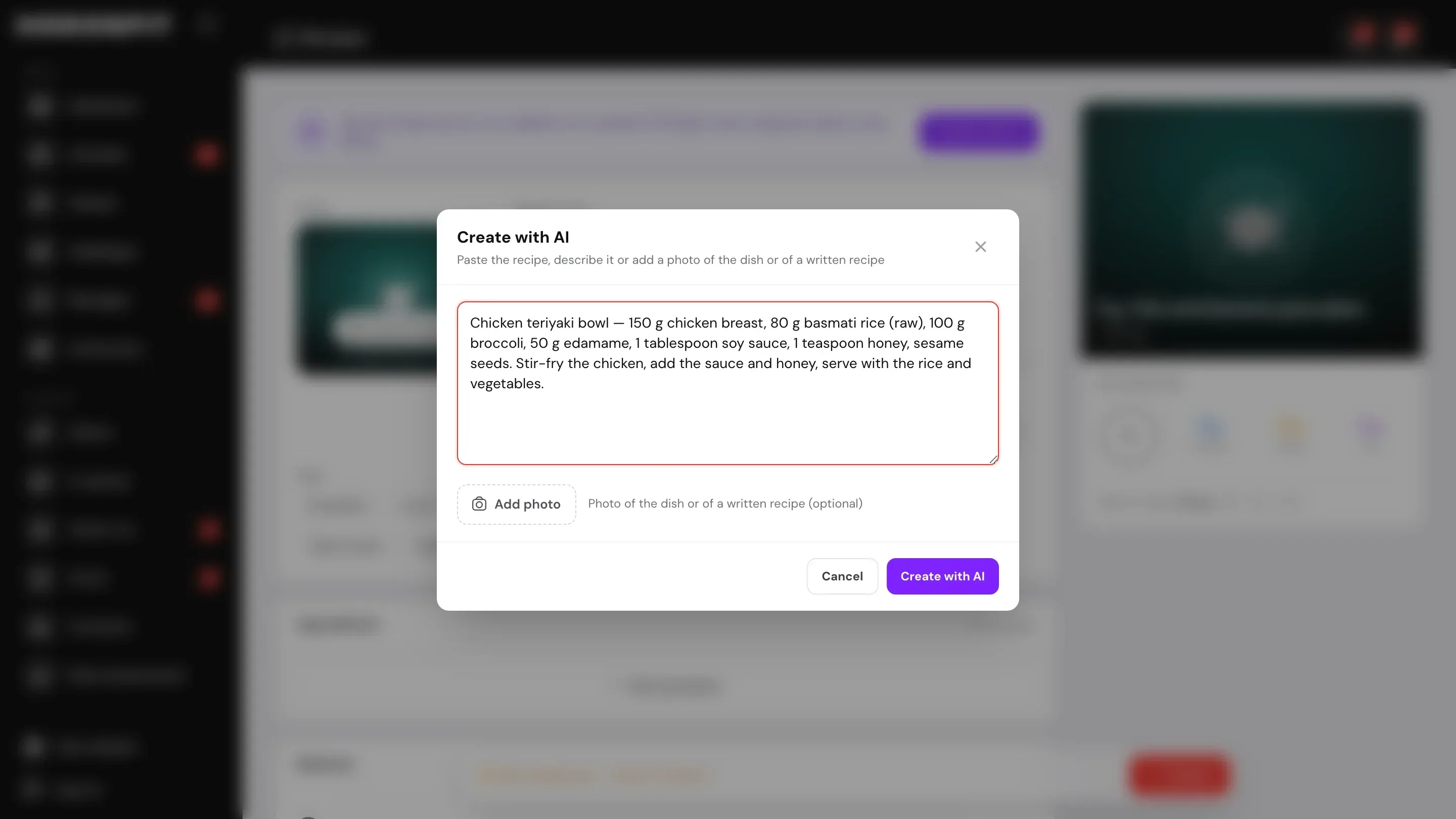
Recipes from a photo
A photo or some text becomes a recipe with macros.
AI in HODOSFIT
Three tasks you no longer do by hand
AI works inside the app, where you already are, and you always review before saving or sending.
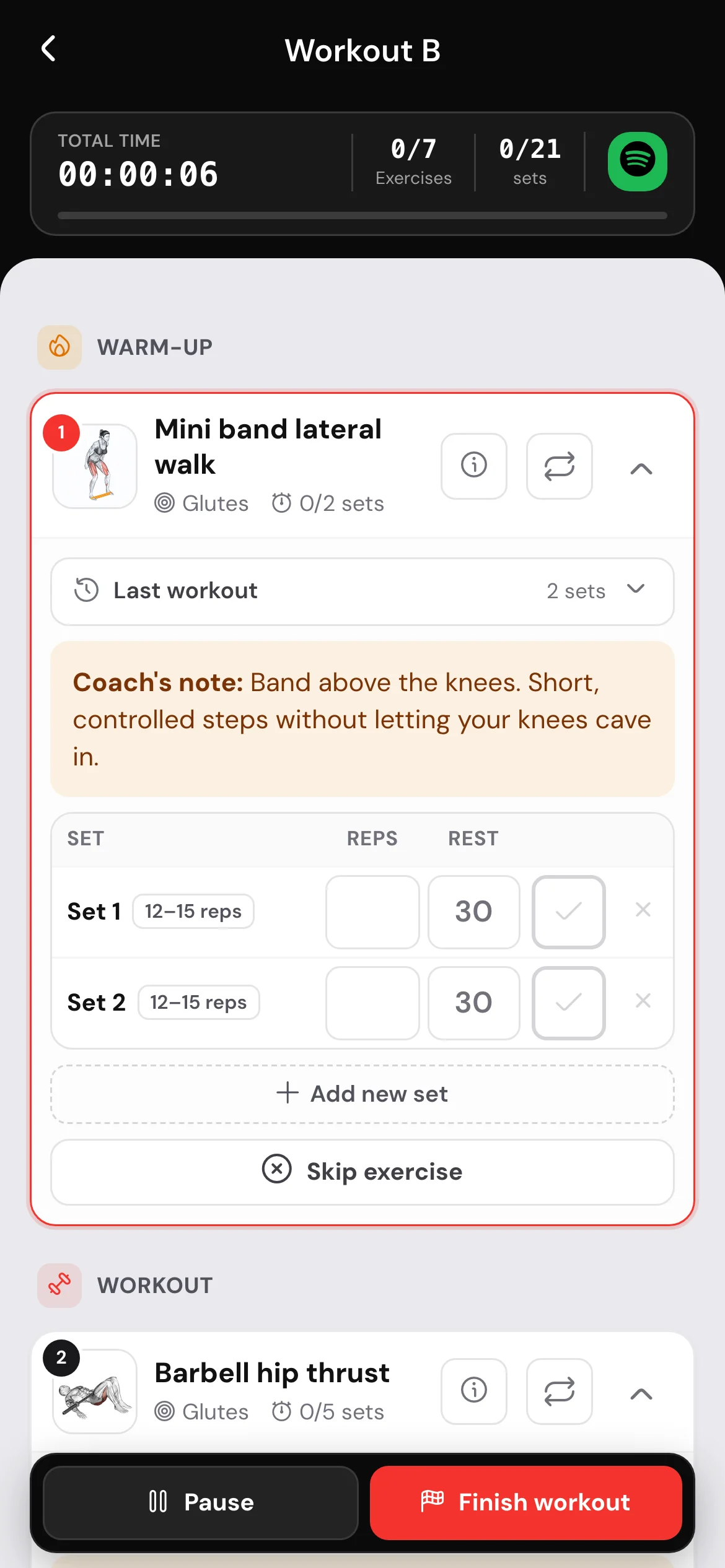
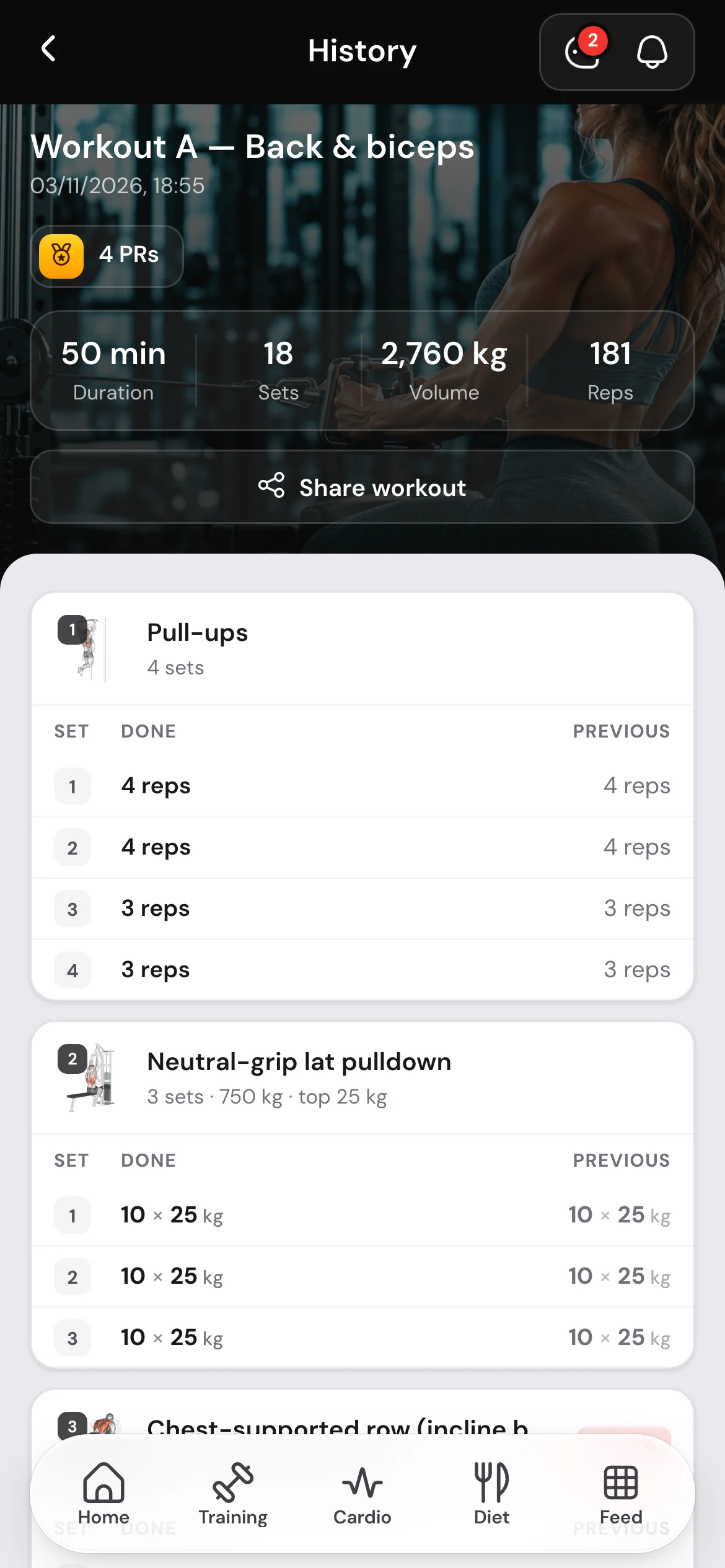
Exercises
The exercise sheet filled in by AI
Type the exercise name and AI fills in the rest: the category, how each set is logged, the equipment, primary and secondary muscles and how to perform it, with the mistakes to avoid.
- Category, set logging and equipment
- Primary and secondary muscles on the map
- Short instructions, with the mistakes to avoid
Check-ins
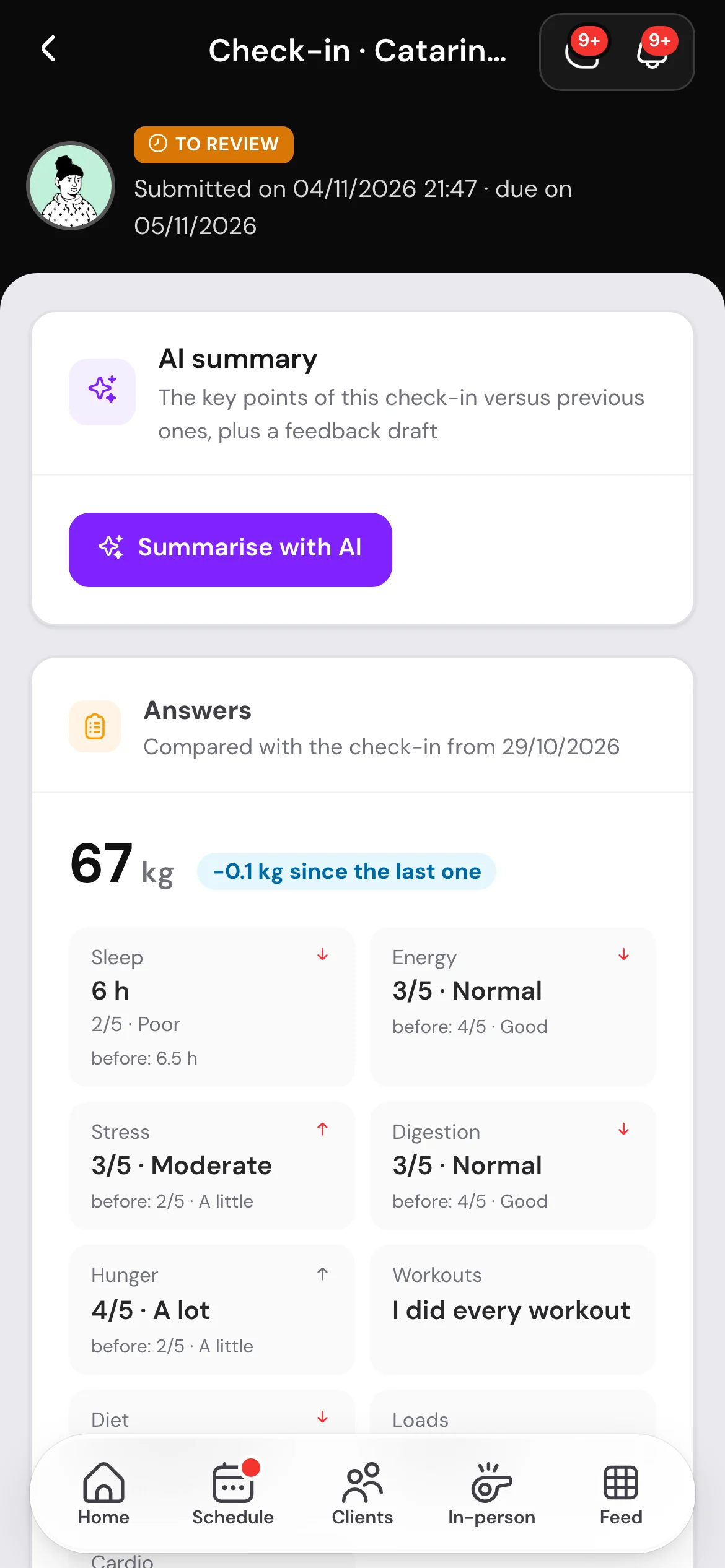
Check-ins reviewed in a minute
AI reads the check-in, the previous ones and the client’s activity in the app and writes you a summary: the week’s essentials, what went well, what needs attention, adjustments to consider and a draft message for the client, which you review before sending.
- The week’s essentials compared with previous ones
- What went well and what needs attention
- A draft of your reply to the client
Recipes
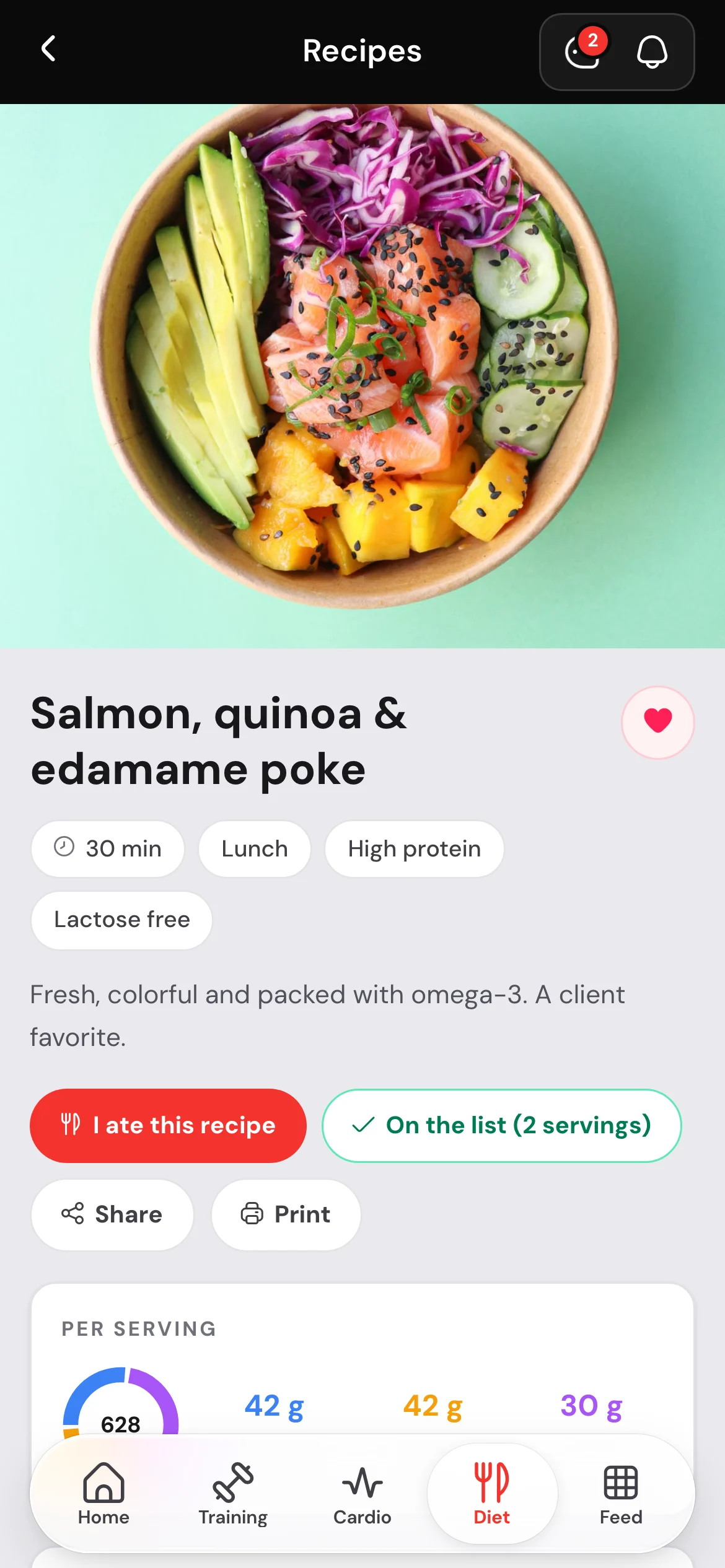
Recipes with macros from a photo
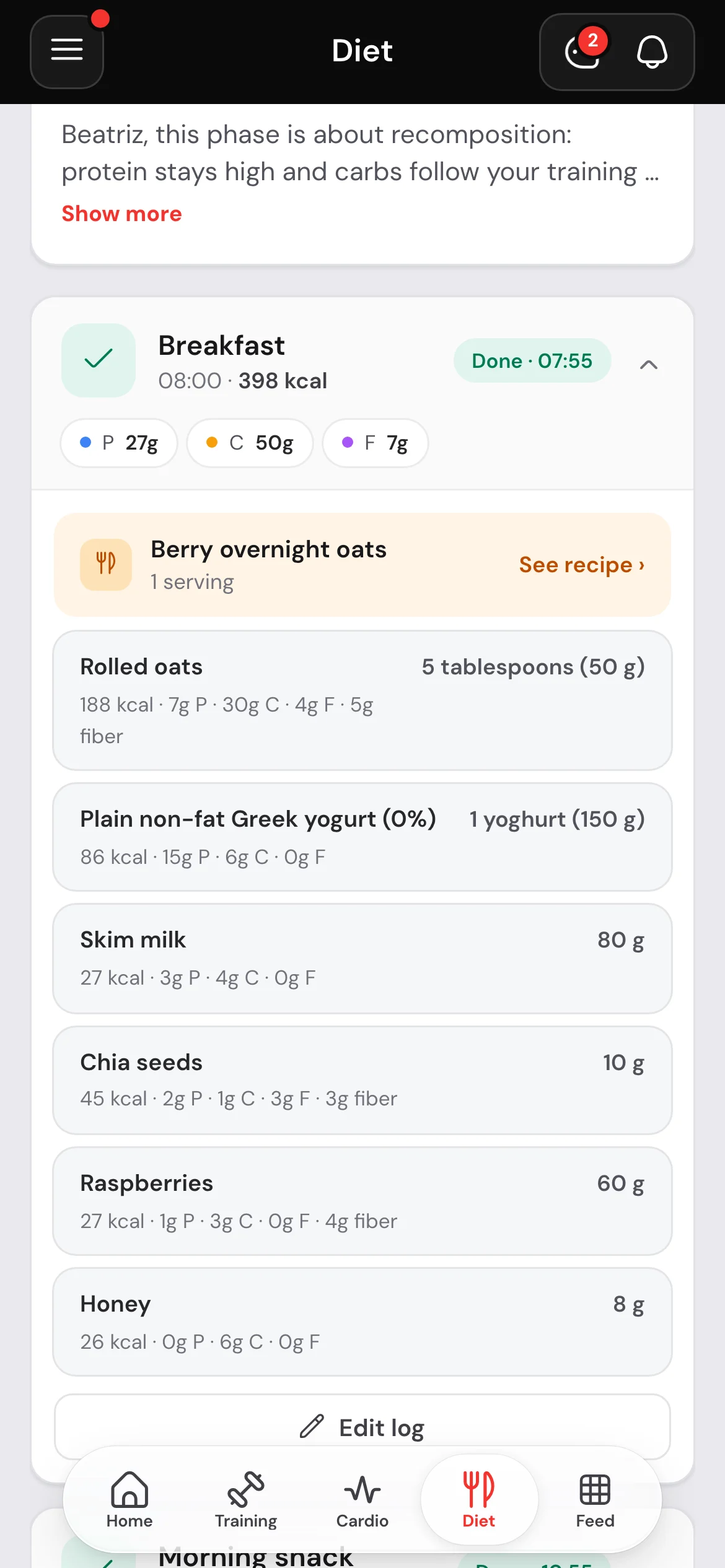
Paste a recipe, describe a dish or take a photo: AI brings it into the app with ingredients from your food library, servings, times and steps, in Portuguese and English.
- From text, a description or a photo
- With foods from your library and the macros
- In Portuguese and English
MCP
Your HODOSFIT from Claude and ChatGPT
Connect your assistant to HODOSFIT in a minute and ask it about clients, check-ins, workouts, agenda and charges, in any language. And let it handle the day-to-day: add clients, notes and tasks, send messages and review check-ins, always with your confirmation.
- 1In My account › Integrations, copy the MCP server address
- 2In Claude or ChatGPT, add a custom connector and paste the address
- 3Sign in to HODOSFIT and allow access; your password never goes into the chat
The full tool list and the API, for developers
- "Who hasn’t checked in this week?" — and the answer comes with names
- A business briefing every morning, with a scheduled task in Claude
- It only changes something after you confirm; you can connect in "answers only" mode
You
How did October go versus September? And who went quiet?Claude
October: 181 workouts (+9%), 91% of check-ins submitted and 64 active clients (+5). Three clients with no workout or check-in for over 7 days: Leonor, Tomás and Patrícia. Want me to message them?You decide
AI suggests, you always decide
Nothing reaches your client without going through you: review the summary, tweak the message and save the exercise or recipe only when it’s just how you want it.
- It only uses the data in the app; it doesn’t make up numbers
- It doesn’t diagnose: it suggests seeing a health professional
- In Portuguese or English, in your tone
Frequently asked questions
Which AI does HODOSFIT use?
It uses Claude, by Anthropic.
What is MCP?
The Model Context Protocol is an open standard that lets AI assistants use tools from other apps. The HODOSFIT MCP gives Claude, ChatGPT and others a safe, permissioned way to read and update your account.
Can the assistant change things without me knowing?
No. Only five tools change anything (add a client, note or task, send a message and review a check-in) and Claude and ChatGPT ask you to confirm before each one. You can also connect in "answers only" mode.
How do I disconnect the assistant?
In My account › Integrations, under "Connected assistants", or by removing the connector in the assistant itself.
Does AI message clients on its own?
No. AI writes a draft and you review it, change what you want and decide whether to send it.
Is there a usage limit?
Yes. Each account has a monthly AI usage limit, so the service stays fast for everyone.
Does AI replace my work as a coach?
No. AI handles the repetitive work so you have more time for your clients; the decisions are still yours.
Give your clients the app they deserve
Training, nutrition, check-ins and your business in one place. Start for free, no card needed.